Creative Commons photo from Dafne Cholet.
I’ve got lots of great events just around the corner! I had to write up a post so you can save the dates for all of these upcoming events in 2017 (and to keep track of all of the links for myself!)
Makey Makey Jedi Interview: January 11th, 2017
This Makey Makey Jedi interview will be hosted by Tom Heck, and we’ll discuss how I use Makey Makey in the library, Makey Makey Poetry, and questions from other Makey Makey advocates. You are welcome to join live on January 11th, 2017 at 4 pm CST or watch here afterwards.
#Bigmakerbookclub GHO: January 19th, 2017
Cassie Janda and Karyn Lewis were excellent moderators in leading some Twitter slowchat discussions around the #bigmakerbook. To end the book club and start the new year, I’ll be chatting with readers and makers via Google Hangouts on January 19, 2017 at 7 pm CST.
Sign up here to get access to the Hangout link! You’ll have time to share projects you made from our book and ask burning questions.
FETC: January 26th, 2017
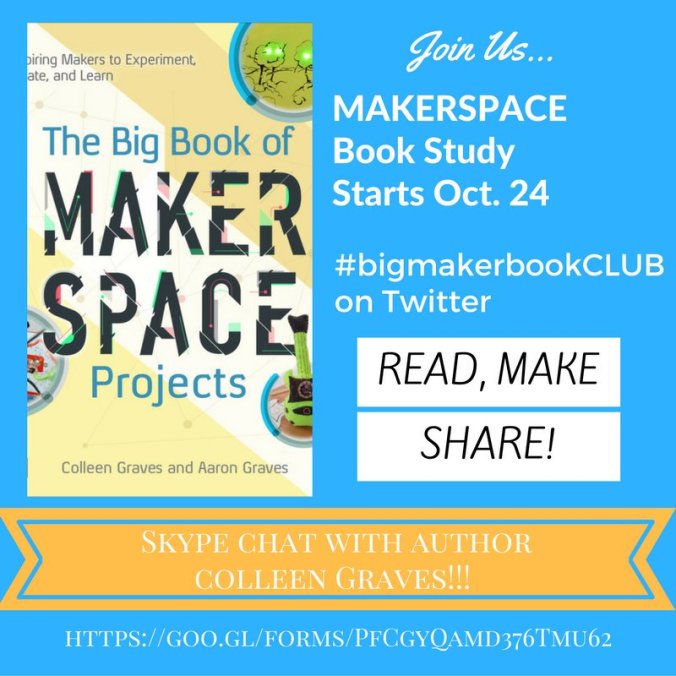
During FETC, Diana Rendina and I will be leading a workshop based on the book we just finished writing with Aaron Graves, Challenge- Based Learning in the School Library Makerspace. Come learn with us on January 26th from 11am to 1:30 pm.
SXSWedu: March 6-9, 2017
Core Convo
I’m so stoked (and honored) to be leading a core convo with Makey Makey inventor Jay Silver. We’ll be chatting with YOU about increasing the rate of Invention Literacy.
Our session summary:
Enjoy a casual chat with the co-inventor of Makey Makey (Jay Silver) and Maker Enthusiast/Teacher Librarian (Colleen Graves) about the importance of Invention Literacy as a missing literacy in education. As Jay defines it, “Invention literacy is the ability to read and write human made stuff, from toasters to apps.” We believe it is important to teach our students how the world works. In this core convo, we will discuss how to increase invention literacy on your campus by helping students “learn to read and write the world they live in.”
SXSWedu Mentor
Plus, I’ll be available for as a maker mentor in a mentor session . Come chat with me if you are interested in a one on one convo about starting your own makerspace, bringing creativity into the classroom, or you just wanna chat about making stuff.
My mentor summary:
Talk to me about:
– As a mentor, I can empower other educators to begin their own makerspace journeys. I can discuss startup resources to complement maker supplies based on interested topics like: coding/programming, robotics, invention, circuitry, and digital fabrication.
– As a creative educator, I can help others bring creativity into classrooms, library programming, and daily lesson planning.
– As a maker, I can discuss gaining creative confidence and emboldening students to believe that they can have an idea and find a way to make it come to life and change our world.
Pinecrest Innovation Institute: June 7-9, 2016
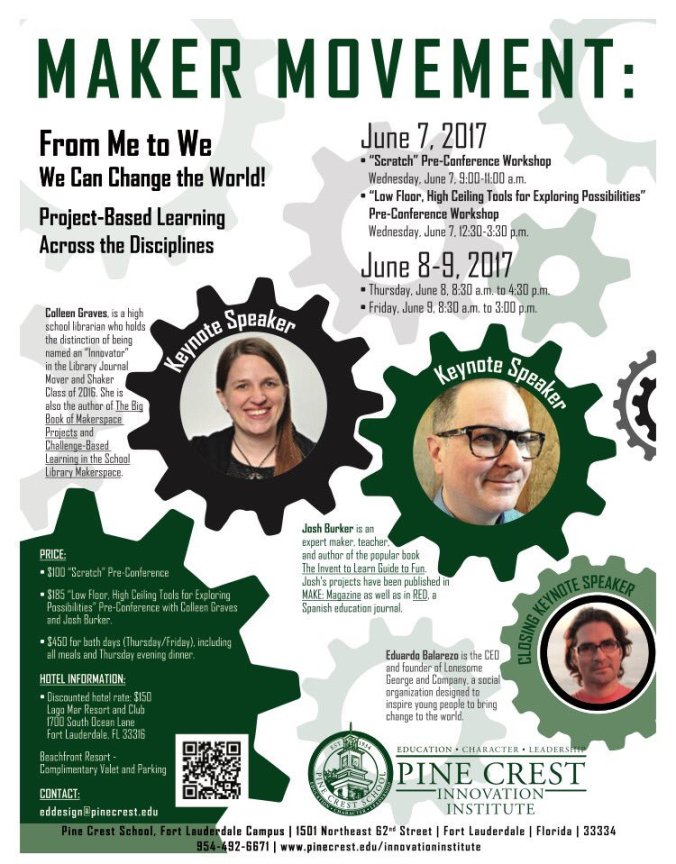
This summer I’ll be leading a pre-conference workshop with maker extraordinaire Josh Burker at the Pinecrest Innovation Institute.
Josh and I will be mashing up our maker ideas together for a rad pre-conference session. Participants will explore the possibilities in this interactive workshop by creating Makey Makey switches, tinkering with marble walls, crafting paper circuits, taking apart items for re-invention, and experimenting with wind tunnels.
I’ll also be Keynoting my ideas on “Making and Literacy” during this amazing institute.
Registration is open for all. Register to attend here.
 Petite Texan: Pack, Pedal, Paddle