The Importance of Sharing Mistakes- Reflecting on #SXSWedu – Post One

Copy of colleengravesposts.png

Maker Confessions

#SXSWedu is a great convening of minds, life changing sessions, and amazing conversations in hallways, over coffee, and between sessions. It is those moments and casual conversations between that can have the biggest impact. On the first day I arrived at the conference, I found myself at the convention center with hours to go before any sessions started. I messaged Sam Patterson and Krissy Venosdale to see if they wanted to meet up and chat about maker education.

Podcast

After chatting with Sam about writing, teaching, and making mistakes… he decided we needed to make a quick podcast with Krissy. The next thing I know, we were huddled in Krissy’s hotel room and recording our “Maker Confessions” for a podcast episode. We discussed how it is just as important as maker educators for us to share our “anti-Instagram” moments and celebrate our failures as loudly as we celebrate successes. You need to listen to this conversation about failing, making mistakes, and how difficult it feel to share these moments via our positive social media accounts.

“Because we teach in a process-focused approach, we have to subvert the “product- focused” nature of social media and find safe ways to share our daily struggles. If this resonates with you, share your struggles with us and let’s all work together to keep the process visible.” – Sam Patterson

Listen to the full  podcast here.  

Twinkling Stuffies

During our conversation, I talked about the saga of George. At the beginning of the semester I challenged my sewing circuit club to design and make their own twinkling stuffies. I put together this example stuffie sewn with a Lilytwinkle controller and Lilypad LEDS.  I documented the process so I’d have picture tutorials to aide my students if they needed it.

Here is my final example:

Workshopping Stuffies

On the first day that students began designing stuffies, it became evident that a 1 to 15 teacher/ student ratio for designing and making stuffies was not going to work! I needed another sewing circuit expert (and plushie designer) to make it through! Luckily, one of the girls in my club is already an excellent plushie maker, and she helped a table of students design and make their own ideas.  (I also had an aide that quickly adapted to sewing with conductive thread and was able to help those that needed it.)

It was a loud and rambunctious hour with many students designing and cutting fabric and only a few kids made it to actually sewing on the battery holder. It quickly became evident to me that this workshop that I thought might take two hours, could possibly end up taking the whole semester. (And I’m not sure I can sustain interest in making a stuffie for an entire semester!)

The Working and Not Working

Seymour

After our second session, one student had a complete and working stuffie! His name is Seymour and I love the way his expression seems to change as different LEDs light up.

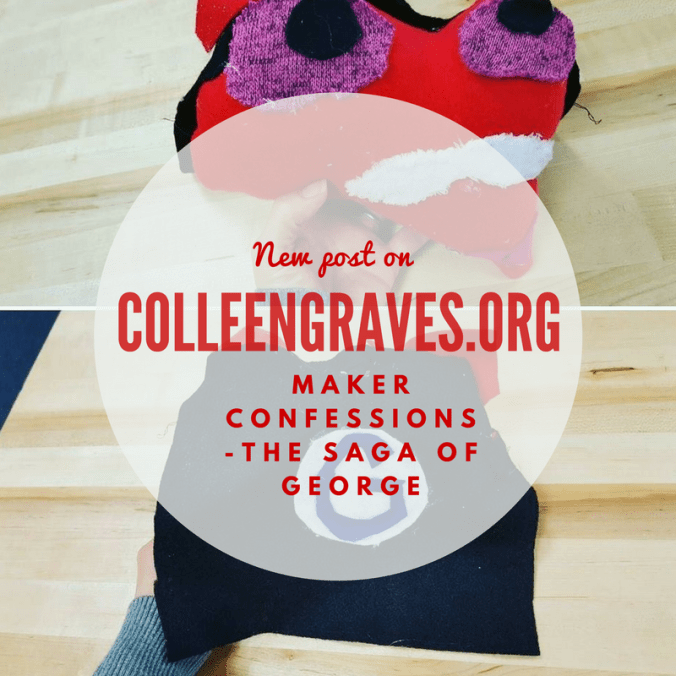
The Saga of George

On the opposite extreme of Seymour is George. The student sewing George moved quickly and had great success sewing the battery holder to the Lilytwinkle controller. I thought it meant she’d do well sewing the rest of her circuitry. I walked away to help others and came back to discover she’d sewn every pin of the controller together with her conductive thread. Curious as to what this would do, we alligator clipped from one pin to an LED. We were both surprised to learn that it still actually twinkled a bit, but as brightly as it should.

(Teaching note: If I had this to do over again, I’d have all kids sew their battery holder to the controller and then alligator clip LEDS before sewing to experience that each pin would sew only one conductive trace. This is the way I really learned how to sew circuits, but I didn’t think about it as being a necessary visual step that our learners might need! Lesson learned! )

For the next time we met, I told her to go ahead and sew from one pin to one LED and follow the suggested circuit paths.

Well…during that fated club meeting she sewed all of her positive traces and things were looking great. I told her, “Next time you come in, it will only take about five minutes to sew your negative trace and ground all of your LEDS.”

So… the next club meeting rolls around. The other students have moved on to making Makey Makey fabric switches and George is about to BE FINISHED! I see that the student has sewn the negative trace OVER the positive trace and I was like … oh boy… now what. More troubleshooting and problem solving led to me showing her how to insulate the circuit trace and for a moment… George lit up!

But it was short lived.

The way the circuits were sewn, it was just not going to work. At this point, we both admit defeat. It’s time to let go of the circuitry. I tell her, “You have two options. One, you can take the components out and resew now that you understand how to sew the circuits. Or you can take out the components and just finish George.” She didn’t want to sew the circuits again.She didn’t want to take the components out either. She just wanted George to be finished. It took some hemming and hawing, but we finally freed the components and another student helped her finish sewing George together. She came back the next morning to make George a cape and finish him completely. And you know what? George is cute even though he doesn’t light up. And the student still learned about sewing microcontrollers and LEDS with conductive thread. Yes, she’d really have the knowledge cemented in her head if she’d chosen to resew the circuit traces, but that’s for next time, right?

Moving Beyond Failures

Maybe saying we should “celebrate” our failures is too extreme. It isn’t that we should celebrate these moments as great things. BUT since our students see us failing and persevering everyday, we as maker educators should share and inform those around us that we often have things go wrong. We teach lessons that totally flop. We have projects that don’t work. We don’t label things and kids break components, or tear up rulers. It’s important to share when things go wrong. It helps us all teach just a little bit better everyday. So what’s your maker confession?


Messy Makerspace- Cleaning up the Project “In Progress” Shelf

colleengravesposts (21).png

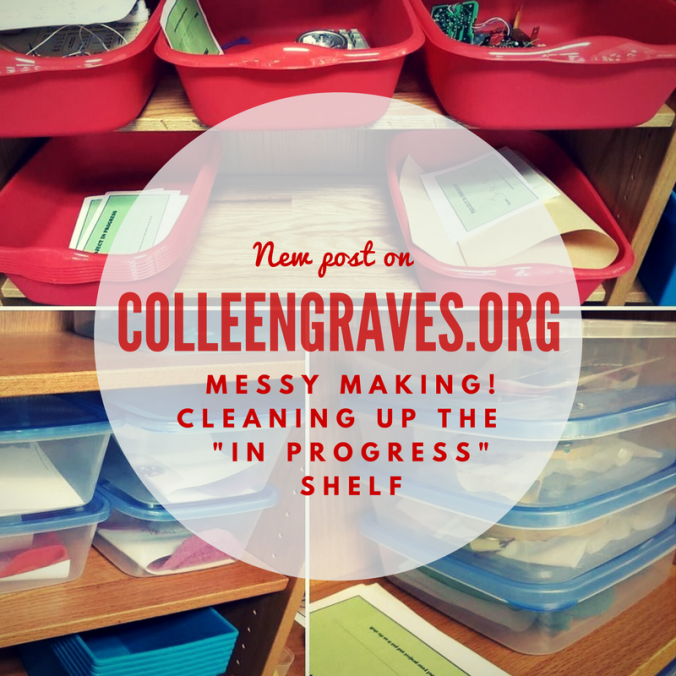
Early in February, I decided it was time to tackle the messiest area of our makerspace. Nope, it’s not our maker supply storage, thanks to Leslie Terronez, we cleaned that up last year. It’s not our littleBits cabinet (although, yes, it needs frequent re-organization.) It’s a little old area, I’ve been tinkering with since 2015…..

…..the maker “In-progress”project shelf.

The First Attempt at a Project Shelf

The concept behind this space is having a dedicated place for where students to keep projects they are working on, so that they can work on them over extended periods of time. This idea became a necessity back in 2015 when I was hosting an extended design challenge in my middle school makerspace at Lamar Library. The MakeyMakeyChallenge was one of the longest running project adventures my students embarked upon, but I quickly found they needed a place to store their inventions. So at the time, I just took a flexible shelf (I think it was hosting bricolage for making), cleaned it off, made a simple sign and told students to keep their work here.

As you can see, it’s quite messy, but it was frequently in use! I continued this method at Lamar because it seemed to be working. However, students would never grab a “project sheet” and put their name on their work. (Go figure!) Plus, when the middle schoolers were at the heart of their KNEX giraffe “alpaca”-lypse making, other students were starting to mess with their work.

Second Attempt at an In Progress Shelf

At Ryan, I kept an empty shelf right by our tinkering tables that also functioned as an project “in progress” shelf. I had better success when I dedicated one shelf to my sewing circuit club, but I was still having issues with this area of making.

In fact, the area was so messy because students still weren’t labeling items. But often times, projects and supplies would sit… and sit…. and sit…. on the “in progress” shelf. At one point, I realized something….

Not all projects are meant to be finished!

How many times have I started and not finished a project? Probably HUNDREDS of times! So, not only were my students not leaving their names on their work, they also weren’t coming back to disassemble any unfinished projects. Plus, the students that were utilizing the space correctly noticed that other students would take pieces from their projects. The “in progress” shelf was “too accessible” since some student work was not safe from prying hands.

I apologize for not having any pictures of the extremely messy area for comparison, but it wasn’t until I cleaned the whole area up that I realized how beneficial it would be to see the area before!

Third Attempt at an “In Progress” Shelf

To combat messy shelves, lingering projects, missing names, and student interference with projects that were not their own, here is what I did. I bought containers, created signage, and created “expiration dates,” and a “re-purpose it bin.”

I went to the Dollar Tree to buy a plethora of storage containers. I wanted small containers for paper and sewing circuits, larger tubs for oversized work, and medium size containers for flexible work.

Since I’d recently moved all my makerspace storage items to a “classroom” area of the library, my previous shelving by the circulation desk was open for new business! This means we could do a better job keeping “in progress” projects safe! I also decided (again with the help of Leslie Terronez) that the BIGGEST problem in this area were that projects would turn “stale.” So I created an “expiration date” label to put on every bin.

Expiration Dates

Projects are labeled with a two week “expiration date” and can be “renewed” if a student needs more time to work. But this way, if a student starts a project, and doesn’t work on it again for two weeks, I won’t feel bad taking it apart and putting it away!

These red tubs are great for classroom projects (like our stop motion book trailers) and design challenge activities!

Signage

My student aides designed a “how-to” poster for the area, that I hung up next to my Canva made “Projects in Progress” sign. My favorite part is the declaration “We keep it safe!” They also made some “Project in Progress” slips for students to put their name and date on before tucking their bucket onto the shelf. The slips combined with a specific bucket, seem to be helping some students with remembering to put a name on their work!

Repurpose it Bin!

Lastly, we have two large bins at the bottom of this shelf labeled “Repurpose it!” Once student projects go “stale” or sit too long “in progress,” then my aides will move the items into the repurpose it bin (or back to maker storage if it isn’t a consumable item.)

Successes and New Problems

It will take awhile to teach students how to use the area properly since I’ve done this mid-year, but all in all, the area has stayed clean! Also, while we were knee deep in greenscreen and stop motion book trailers, the tubs just made sense to most students. They felt safe leaving their work, remembered to label their names, and came back the next day to finish working. Plus, the small tubs for paper circuits were considerably helpful when students were making “electric love letters” for Valentine’s day.

So, now I’m at point where I have to actually upcycle/recycle the stale student projects. It’s still difficult (for me personally), but will be easier with a clear date that shows me the student hasn’t been back in awhile.

And a new problem I’m experiencing is a student that is hoarding supplies. One of my frequent makers sees the “in progress” shelf as a great new way to hoard littleBits. He is working on a specific project, but happens to be utilizing almost every LED bit! His project is complicated, so I understand the need to save Bits so he can work from day to day, but I’m unsure how to get him to be respectful of others wanting to tinker with littleBits when he isn’t working on his project.

So how do you keep track of student maker projects in progress? Do you have a dedicated space? What works? Better yet, what doesn’t work? Share your successes and failures so the whole maker community can benefit!