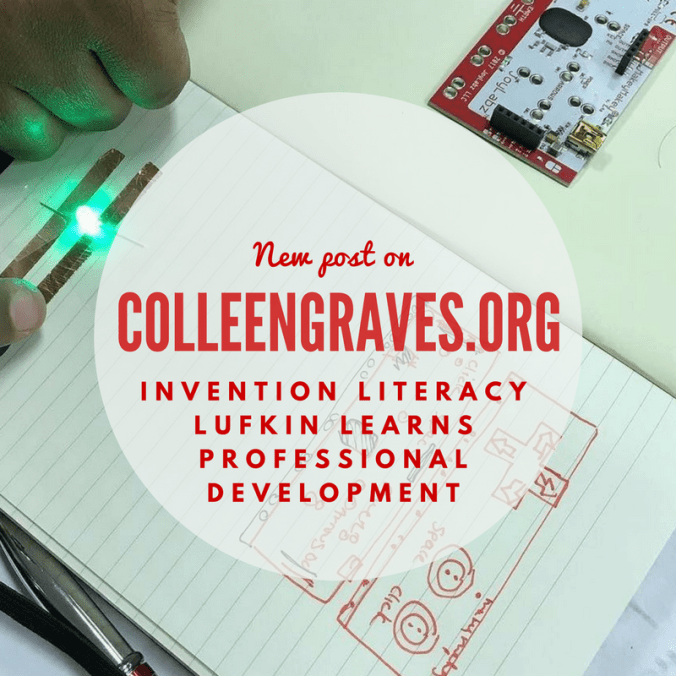
Last week I was stoked to lead an invention literacy workshop for educators in Lufkin, Tx. Thanks to Rafranz Davis, I was able to teach this group about some of my favorite things: Invention Literacy, Makey Makey, and the Maker Mindset.
Inventor’s Mindset
One of my favorite things about this workshop is Tom Heck’s icebreaker where we talk about an inventor’s mindset. Here are some aha moments from that morning:
- Inventors are not risk takers, but rather inventors take calculated risks.
- An inventor looks at the world as something they can change or make better. They constantly ask the question, “How does this work?” or “How can I make this better?”
Paper Circuits
Since most of these teachers had never used a Makey Makey, I wanted to refresh them on the concept of a simple circuit. ( I packed all of the materials needed in these handy photo storage boxes so resources were distributed easily to each table group.)
I loved that after getting a working circuit, learners begin to find other applications. Rafranz hacked her simple circuit into a parallel circuit, and most of the table groups begin to make holiday cards.
Fairy Tales
After circuits, we began to dabble in the Sketch it Play it activity. (Sketch something with a pencil, hook it up to Makey Makey and play a piano.) Normally I have my educators make blackout poetry, but since this was a room full of awesome elementary educators, I adapted this part of the workshop to creating illustrations for our favorite fairy tales.
Switches
A lot of educators never get #beyondthebanana with Makey Makey, so even though they only just started playing with this little invention kit, I had educators make a switch. For me, I didn’t know how to make a switch for Makey Makey for almost A YEAR after the first time I played with one. Making switches and finding ways to make everyday things into switches, is one of the most inventive and fun ways to create projects with Makey Makey. (In fact, Aaron and I made a whole book of wacky projects based on this concept!)
Invention Literacy
I spent a lot of time during this workshop sharing how I incorporate invention literacy into my library programming. If you haven’t read these posts, you should check them out!
Design Challenge
The last part of the day is MY FAVORITE PART! The workshop participants are challenged to make something useful by going through the design thinking process. They have a limited amount of time. A design challenge is a great maker activity, but there are three important things that have to happen for a successful challenge.
- Relationships- Since the group worked through so many things together on this day, they felt comfortable working on a more challenging project together. If you were to attempt a design challenge straight out of the gate, it might not be as successful.
- Open Ended/open-middled/open beginning – A challenge should be open ended enough so that every group creates a different product at the end of the designated time. You can open any part of your directions. For more on the open middle and open beginning concept by Jay Silver, read the Challenge Based Learning Book.
- Time Constraint– The time constraint is what helps makers focus and get finished (hopefully) with their project. If a full working prototype doesn’t happen, proof of concept is okay too!
Check out all the awesome ideas these educators had:
Group 1
Group 2
Group 3
Group 4
Group 5
If you’d like to bring me to your school district, conference, museum, or other informal learning space for this workshop, please use this contact form below.
I host other maker education workshops too! Browse my workshop menu, or contact me to develop a workshop based on your needs.


 Petite Texan: Pack, Pedal, Paddle