A recent tweet by another maker librarian, made me realize that I should share my current (and past) organization and circulation for the awesome little robotic orb known as Sphero.
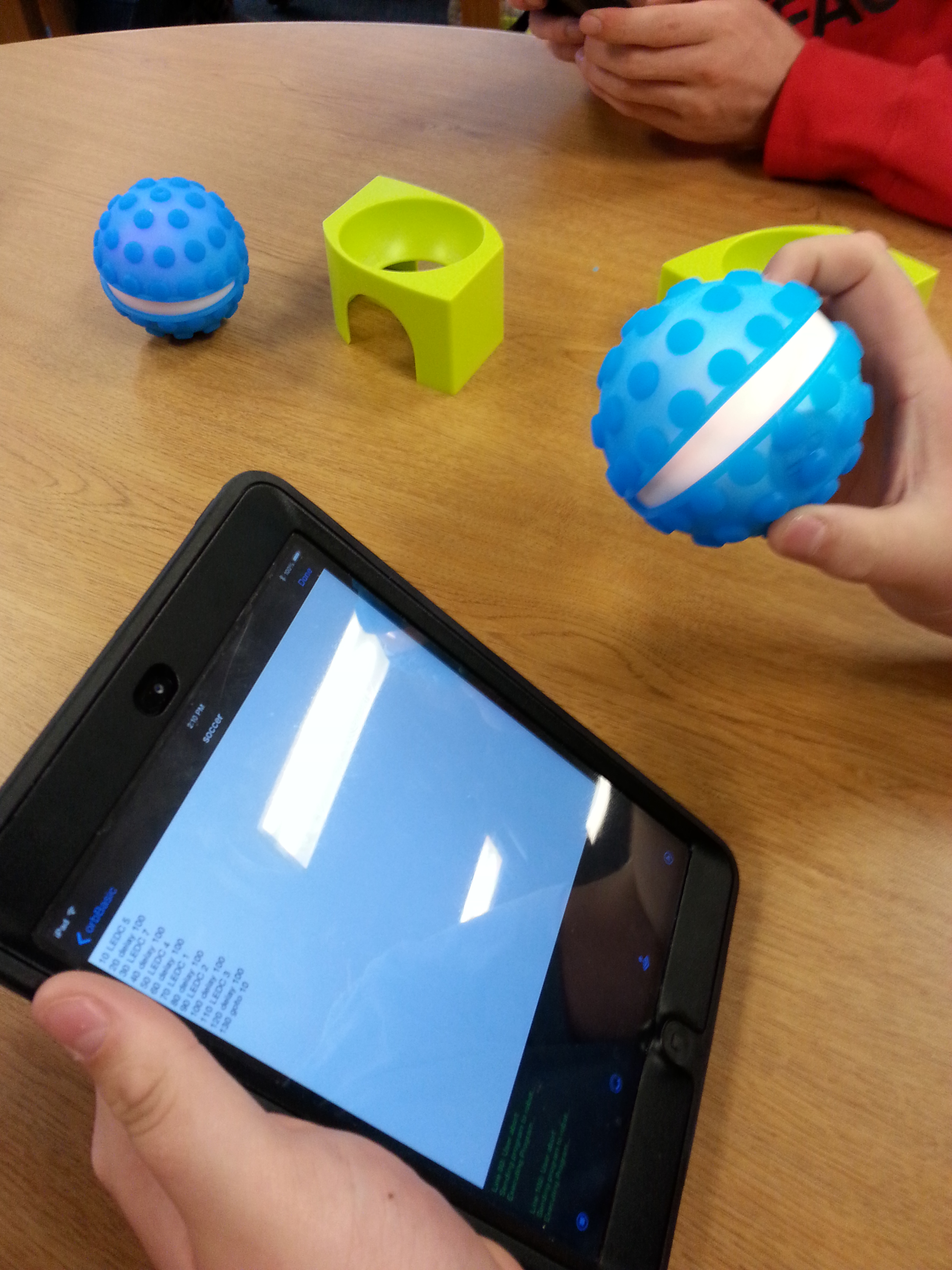
At Lamar, we only had 3 Spheros, so I kept them at the circulation desk and since that district is a 1:X district, students would sync their phones or iPads themselves. My awesome aide Sarah and I would teach them how to sync Sphero. We also explained that students would have to “forget this device” when they were done driving or it would cause problems for others who wanted to sync with Sphero.
Luckily, most of them listened, but we could always reset the Sphero by putting it back on the charger and pressing the power button.
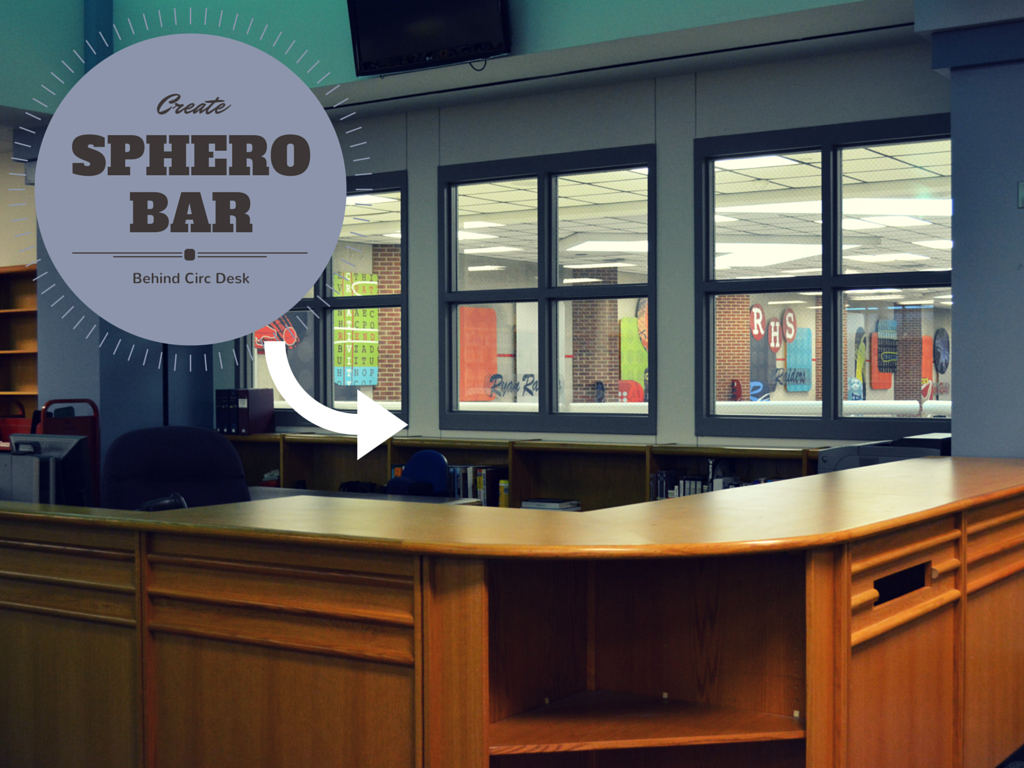
Line up Spheros w Matching iPads Behind Circ Desk? Not Logical….
At Ryan Library I now have 24 Spheros! I originally wanted to make a Sphero bar behind the circulation desk. However, my students don’t have iPads and I quickly realized that logistically building a Sphero /iPad bar would be a little more trouble than it’s worth. Especially since I can’t lock the iPads up this way AND we want to use them for other things.
Luckily for me, classroom teacher Nathalie Faure gave me a great idea for a Sphero charging box when I posted a picture of Spheros charging all over my hotel room a few months ago. (She also notes that she names Spheros with blue tape and sharpie since her Spheros always wear a nubby cover.)
I went out to Harbor Freight and bought the cheapest 22″ toolbox, a couple of quirky chargers and set to work. (Actually, Aaron Graves drilled some holes for me and zip tied the chargers into the toolboxes.)
-
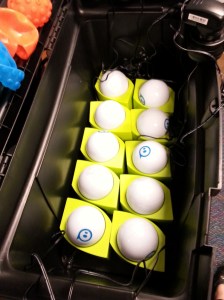
- Original holders can help keep them from rolling around
-

- Quirky power strip and horizontal power strip
-

- Toolboxes on rolling dolly
So, now my Spheros are mobile and chargeable!
However, I am no longer in a 1:X district. Actually, for Sphero, this is a good thing as syncing to one device is ideal. I was able to acquire a class set of iPads minis, and I had my amazing student aide Ray spend his first day of school helping me sync all 24 Spheros to iPads.
Unfortunately, we still had a little trouble playing that Soccer that first day and Ray and I quickly realized WE NEEDED TO WRITE DOWN which iPad goes with which Sphero. Plus, we needed to label each Sphero with it’s color name because once they automatically sync, it’s hard to tell which one is which.
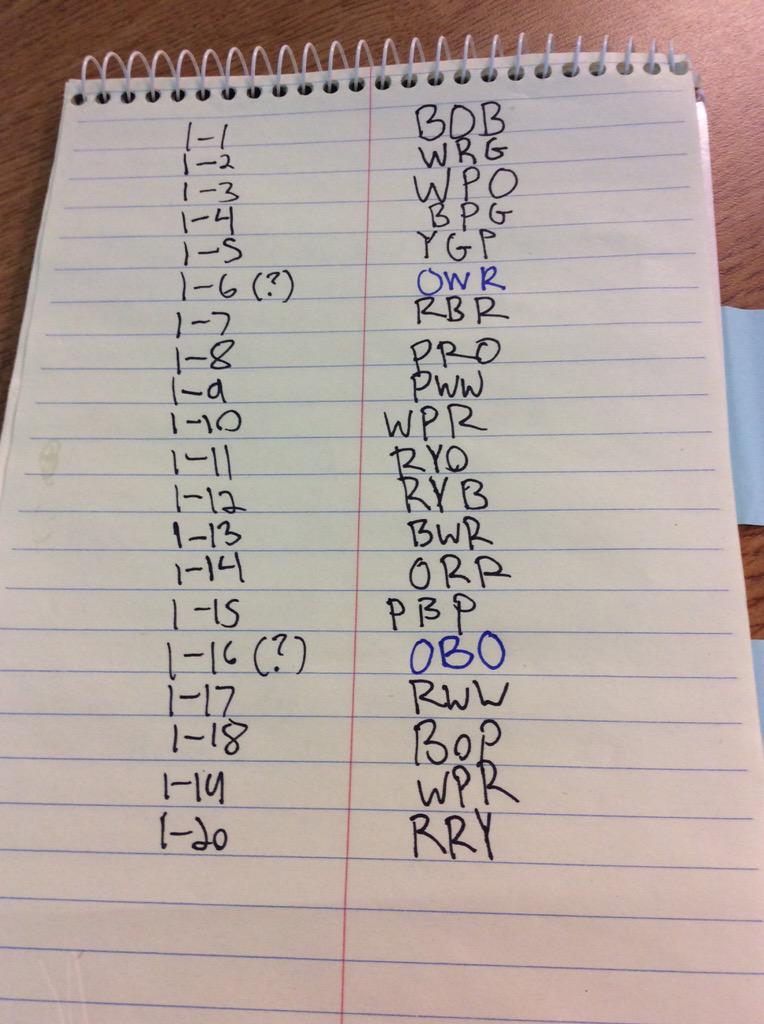
We also ended up writing the iPad # and Sphero name on each Sphero, but I’ll warn you, this rubs off quickly, so you’ll have to redo it frequently.
Lastly, while we do own a class set of Spheros, I do not let students run wild with all 24 every lunch. Instead, I have 5 Spheros dedicated to “free play.” We check them out like books. Since we can’t write a barcode on them, I reused some old library card pockets and they live right at the circ desk next to our free play Spheros. Kids just come to the desk and tell Mrs. Moor they want a Sphero and she checks it out to them, moves the card out of the pocket, and places the card in our “checkout” spot. Once a student brings the Sphero and iPad back, she checks the card in and puts in back in the pocket!

Any others out there with class sets of neat tips? Some way to write on the Sphero and make it stay? A different method of circulation? Let me know and I’ll add it to this post!


 Petite Texan: Pack, Pedal, Paddle